Why Construction Software Feels Stuck in the 90s: UI/UX Challenges in Industrial Applications
By Taher Pardawala · Co-Founder & Chief Executive Officer
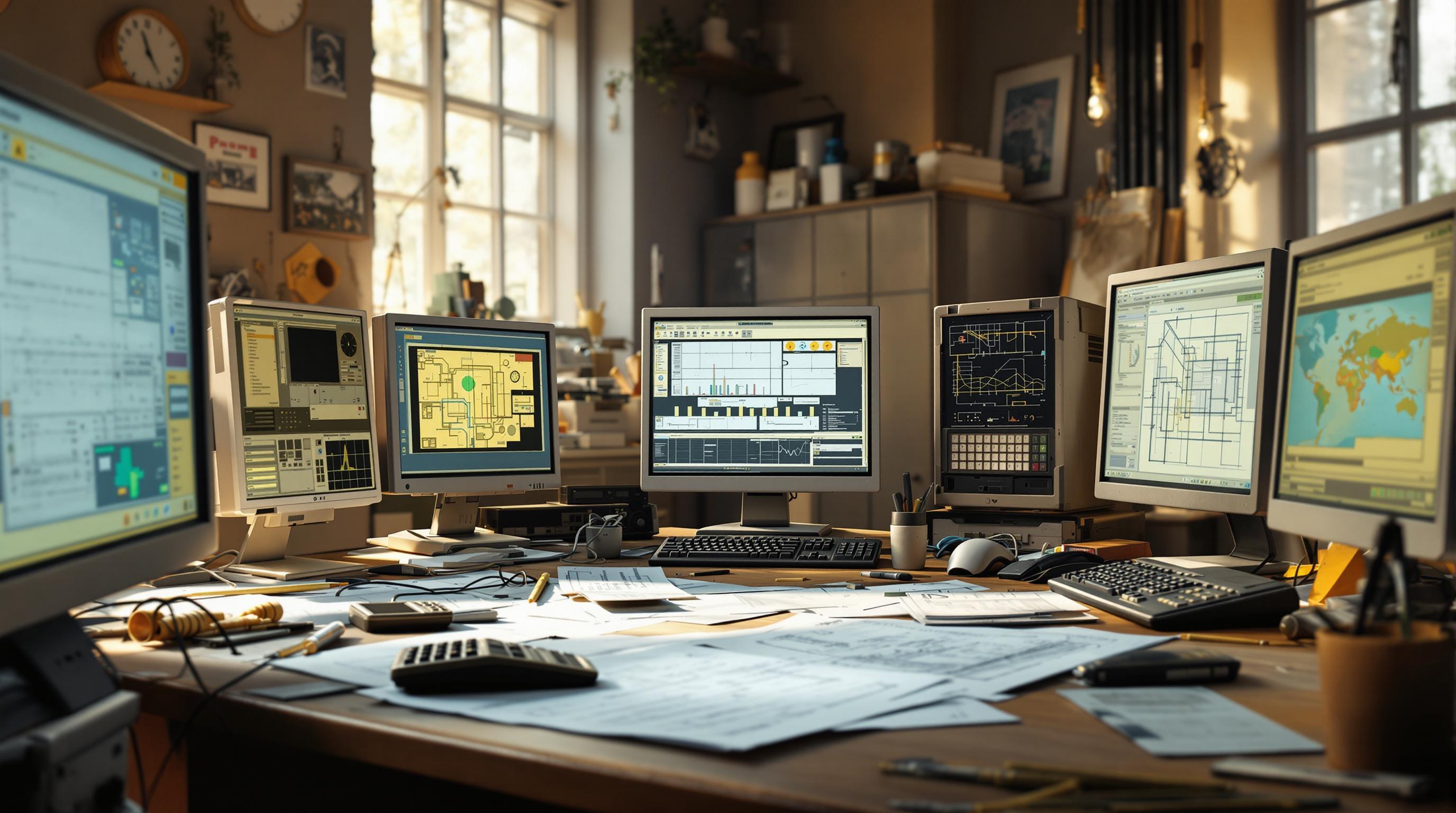
Construction software is outdated, hard to use, and slows down work. In 2025, while most industries embrace modern, user-friendly tools, construction professionals are stuck with clunky, 90s-style software. Here’s why:
- Low IT Investment: The construction sector spends 80% less on IT compared to other industries.
- Poor Design: Overloaded forms, hard-to-navigate menus, and tiny text make software frustrating.
- No Mobile Support: Most tools are desktop-only, forcing field workers to waste time going back to the office.
- Legacy Systems: Old systems are costly and risky to update, trapping companies in outdated workflows.
- Complex Workflows: Multiple stakeholders, safety regulations, and intricate processes make designing user-friendly software a challenge.
The result? More mistakes, longer training times, and low adoption rates. Fixing this requires understanding user needs, simplifying designs, and rolling out updates gradually. Companies like Miron Construction have already seen success by adopting modern tools like Autodesk Build, improving efficiency by 25% and cutting task times significantly.
Want better tools? Focus on software that prioritizes ease of use for workers - not just decision-makers.
Navigating the Pitfalls of Software Implementation in …
Common Interface Problems
Outdated interfaces in construction software can severely impact productivity and discourage user adoption. Many of these tools prioritize data collection over addressing the needs of their users.
Basic Design Issues
Many interfaces suffer from poor design, including:
- Overloaded forms requiring excessive input
- Deep, hard-to-navigate menu structures
- Inconsistent navigation that confuses users
- Small, unreadable text and buttons
- Ambiguous or unclear terminology
These problems often force users into time-consuming tasks, reducing both efficiency and satisfaction.
Lack of Mobile Support
Construction work primarily happens onsite, yet much of the software is optimized for desktop use. Field workers often need to return to the office to input data or struggle with interfaces that aren’t designed for mobile devices. Without touch-friendly forms or offline functionality, delays and redundant work become inevitable.
Dependency on Outdated Systems
Legacy systems create significant barriers to modernization. Dr. Pablo Oliveira Antonino and Bernd Rauch from the Fraunhofer IESE research institute explain:
"Updating a legacy system is ‘making changes to the foundation of applications and usually affects many system parts.’ This renders system modernizations complex, time-consuming, and costly, with notable risks." [3]
Key hurdles include:
- Workflows tied to outdated systems
- A lack of staff familiar with older technologies
- Challenges in upgrading due to system complexity
While modern consumer software emphasizes user experience, construction tools often remain stuck in outdated design practices. These interface problems not only slow down operations but also add to the industry-specific challenges outlined in the next section.
Industry-Specific Barriers
The construction industry faces unique hurdles that make updating software a challenge. These issues are deeply rooted in the way the industry operates.
Complex Work Processes
Construction workflows are notoriously intricate, making software updates difficult. It’s one of the least digitalized sectors, with numerous stakeholders relying on different systems and standards, which complicates efforts to improve [1].
Take the BCCA ventilation report as an example - it involves months of data processing and input from multiple roles. Mr. De Blaere highlights the need for better solutions:
"We need a solution which allows us to grow with the market easily and adapts to new opportunities as we see them rise. A solution that allows our employees and the employees of our business partners to work remotely and even on the road. And it should be easy to approach!" [4]
Some of the key challenges include:
- Diverse stakeholders needing tailored data views
- Incorporating safety and environmental factors
- Monitoring compliance with building codes
- Managing different communication standards
On top of these workflow challenges, strict regulations add another layer of complexity to software design.
Legal Requirements
Regulatory compliance plays a major role in shaping construction software. Building codes and safety regulations require software to handle detailed tasks like permit processing, inspection documentation, material compliance tracking, and safety recordkeeping [5]. These legal demands directly influence how interfaces are designed, ensuring they meet documentation and safety standards.
User Habits
Long-standing habits among users often slow the adoption of new software. Construction projects can’t pause for implementation, and disruptions during the transition can temporarily reduce productivity. This creates a tricky situation: workers want better tools, but the process of upgrading can interfere with daily operations. The key is creating software that respects current workflows while gradually introducing modern features to enhance efficiency.
Effects of Poor Design
Flawed UI/UX design in construction software can hurt efficiency, accuracy, and overall project outcomes.
Training Time
Outdated and clunky interfaces often require more time for training because they lack user-friendly design and easy onboarding. This extended learning curve delays project timelines, increases onboarding costs, and reduces productivity.
Work Mistakes
Bad design leads to frequent errors. Construction projects typically include a 7-10% cost buffer to handle risks, many of which stem from software-related mistakes[6]. Common problems include:
- Incorrect data entry
- Overlooking critical details
- Misinterpreted tasks
- Communication breakdowns
These errors can cause delays, wasted materials, budget overruns, and even compliance issues.
Low User Adoption
When software is hard to use, teams are less likely to embrace it, slowing down digital transformation efforts. This issue often arises because software developers prioritize features that appeal to decision-makers rather than focusing on the practical needs of everyday users. As a result, teams fall back on manual processes, which reduces data accuracy, leaves project documentation incomplete, and lowers the return on investment for the software.
| Impact Area | Common Issues | Business Effect |
|---|---|---|
| Training | Long learning curves | Higher operational costs |
| Accuracy | Data entry mistakes | Increased project risks |
| Efficiency | Slow task completion | Reduced productivity |
| Adoption | Resistance from users | Poor software ROI |
Fixing these design problems is key to improving construction software and its impact on projects.
How to Update Construction Software
Improving construction software involves addressing past issues and creating a plan that focuses on users. Updating it effectively requires a step-by-step, user-focused approach.
Understand User Needs
Field engineers and construction teams need software that’s easy to use and improves their workflow. However, they’re often seen as data providers rather than actual users.
To truly understand their needs, you can:
- Observe how the software is used on-site.
- Collect feedback through interviews.
- Examine workflows to identify inefficiencies.
- Measure time spent on key tasks.
Use Modern Design Principles
Applying updated design practices can make software easier to use without losing its functionality. Key areas to focus on include:
- Simplified Navigation: Reduce menu layers, group related features, add search tools, and create clear visual structures.
- Visual Clarity: Use consistent colors, readable fonts, ample white space, and strong contrast between elements.
- Smart Defaults: Pre-fill common values, remember preferences, suggest relevant options, and automate repetitive tasks.
After implementing these design updates, prioritize improving the most critical workflows.
Focus on Core Features First
Start by refining the features that users rely on the most. Here’s a simple way to prioritize:
| Task Type | Update Priority | Impact Level |
|---|---|---|
| Daily Operations | Immediate | High |
| Weekly Reports | Secondary | Medium |
| Monthly Analytics | Tertiary | Low |
| Annual Reviews | Final Phase | Low |
Once these essential features are improved, you can move on to additional updates.
Roll Out Updates Gradually
Introducing changes step by step helps users adapt while minimizing disruptions. Here’s how to approach it:
- Start Small
Focus on quick improvements that show immediate benefits. - Test Thoroughly
Use real-world testing with end users to catch and fix usability issues. - Collect Feedback
Set up ongoing feedback loops to guide future updates. - Refine and Iterate
Adjust updates based on user input before rolling out the next phase.
Incorporate onboarding tools to help users understand new features, reducing training time and encouraging adoption. The ultimate aim is to create software that users want to use, not something they feel obligated to work with.
Software Update Examples
Examples from the construction industry show how targeted updates can breathe new life into older software.
Design Changes
Miron Construction’s move to Autodesk Build demonstrates how updating software interfaces can significantly enhance usability. By replacing scattered project management tools with a unified, cloud-based platform, they improved accessibility and clarity. Some of the key upgrades included:
- Model-Centric Views: Transitioning from traditional 2D views to interactive 3D models
- Simplified Forms: Making QA/QC processes easier with user-friendly data entry
- Unified Dashboard: Centralizing project details into a single, easy-to-navigate view
Similarly, XB Software revamped a 20-year-old construction management tool by introducing:
- Dynamic Tables: Configurable tables for better data handling
- Modernized Controls: Replacing outdated controls with streamlined text-based buttons
- Customizable Themes: Adding options for white, black, and custom color themes
- Dual Interface Options: Allowing users to switch between the old and updated interfaces
Improvement Data
By adopting Autodesk Build, Miron Construction saw a 25% improvement in locating key project data [7]. The updated scheduling tool also reduced the time needed to find specific activities to just 30 seconds on average [7].
Jay Mathes, Virtual Construction Lead at Miron, highlighted the benefits of cloud integration:
"The biggest thing that pushed Miron towards Autodesk Construction Cloud was integrating all the project documents and having a model-centric project view rather than a 2D document. Also, cloud-based document storage means you always have access to the most up-to-date information" [7].
Kacie Hokanson, Virtual Construction Specialist at Miron, added:
"When we can aggregate the project schedule with the coordination’s schedule, we know everyone is on the same page regarding the time we have to coordinate; this creates a better product in the end because everyone is allotted the proper time to coordinate an optimized system" [7].
These examples show how modernized tools can improve workflows and collaboration while maintaining essential features teams rely on.
Conclusion
The construction industry’s limited IT investment has left room for growth, highlighting the need for reliable, modern solutions.
Updates in UI/UX design have shown clear benefits, including better efficiency and higher user adoption. Companies that have introduced well-planned updates report noticeable improvements in productivity while preserving essential system features.
Digital transformation is driving measurable results for businesses. For example, leading adopters have reported a 12% boost in operational efficiency, a 14% improvement in customer experience, a 12% increase in trust, and an 11% rise in employee satisfaction [2].
Focusing on user needs while addressing industry constraints is key. A phased update strategy, as seen in successful modernization efforts, can smooth the transition. Offering flexible options between old and new interfaces helps maintain productivity and encourages user acceptance [8].