Beyond AutoCAD: The Future of Web-Based Design Collaboration
By Taher Pardawala · Co-Founder & Chief Executive Officer

Cloud-based design tools are transforming how teams work together, making collaboration faster, easier, and more flexible. Unlike traditional desktop CAD software, these tools let you access projects from anywhere, work on the same file in real-time, and avoid costly hardware upgrades.
Here’s why cloud design is the future:
- Global Access: Work from any device with an internet connection.
- Real-Time Collaboration: Multiple team members can edit designs simultaneously.
- Version Control: Track changes and revert to earlier versions easily.
- Cost Savings: No need for expensive hardware or IT infrastructure.
- Enhanced Security: Advanced encryption and strict data protection standards.
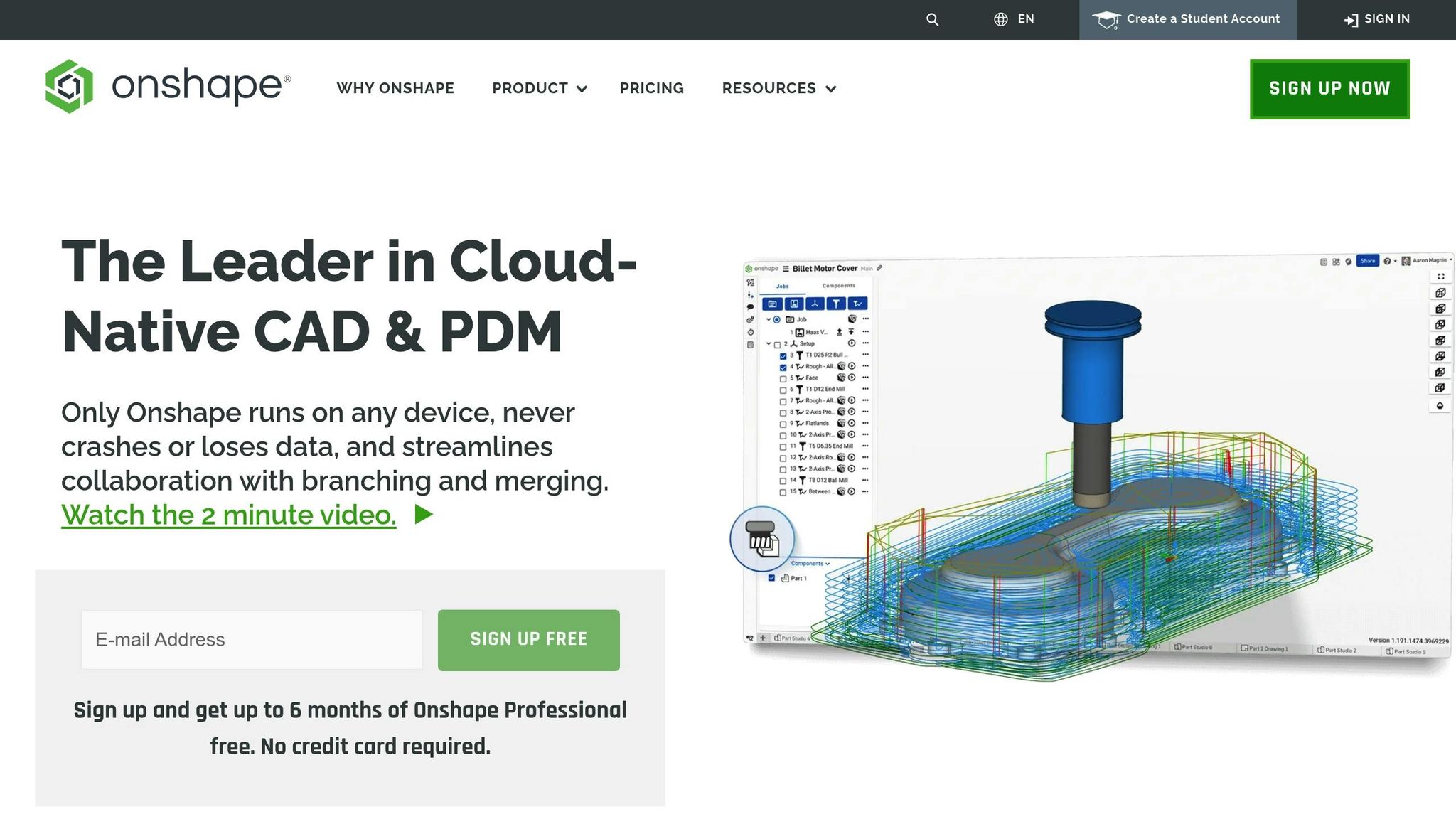
Drastically Increase Collaboration with the Cloud - Onshape
Cloud Design Platforms: Core Features
Modern cloud design platforms streamline digital design workflows by combining powerful tools for collaboration and efficiency.
Main Cloud Design Functions
These platforms come equipped with Product Data Management (PDM) and advanced version control systems. Using methods similar to git branching and merging, teams can explore design variations while keeping a single, reliable source of truth.
Here’s a breakdown of key features:
| Feature | Benefit |
|---|---|
| Live Editing | Allows multiple team members to work on the same design simultaneously |
| Version Tracking | Provides unlimited restore points to revert to earlier versions |
| Cross-Device Support | Ensures seamless access across devices for uninterrupted workflows |
| Built-in PDM | Automates file organization and version control |
These features make remote collaboration smoother and more efficient.
Remote Access and Team Support
Cloud design platforms let users access files from any device, bypassing traditional hardware and IT constraints [3]. This flexibility has reportedly boosted productivity by 25-50% for teams adopting cloud-based solutions [3].
“One of the things that most attracted us to this platform is the collaborative capabilities. The ability for our American team and our Indonesian team to work together in real time is extremely valuable. We were losing a lot of time when we used to have to send files back and forth.” - Heinrich Köchling, Director of Worldwide Engineering at Formulatrix [4]
Teams can also use detailed permission controls to manage access and collaboration securely:
- Offer view-only access for external stakeholders
- Enable commenting for reviewers
- Provide full editing access to core team members
- Share files securely with trusted partners [4]
These controls enhance security while simplifying teamwork throughout the design process.
Case Study: Startup Design Process
A case study from BOA, a company focused on sustainable product solutions, highlights how cloud design platforms can transform workflows. Their design engineering team saw a significant boost in collaboration:
“The ability to collaborate on a document together, even across a very close two-person CAD team, was a significant advantage. Being able to both be in a document at the same time was something we never thought would be possible.” - Josef Duller, Design Engineering Manager at BOA [4]
By adopting cloud-based tools, BOA achieved the following:
- Eliminated delays caused by file transfers
- Ensured consistent version control across projects
- Reduced IT infrastructure costs
- Enabled real-time design reviews and feedback
For startups, these platforms provide enterprise-level tools without requiring large upfront investments in hardware or software. The scalability ensures that as teams grow, their design systems can expand effortlessly without disrupting workflows [1].
Live Collaboration Tools
Live collaboration tools, built on core cloud features, speed up design workflows like never before.
Live vs. Delayed Collaboration
Web-based design platforms now make it possible for teams to work on the same design file at the same time. This eliminates the delays and version conflicts caused by traditional file-sharing methods. In fact, web-based design collaboration can reduce meeting time and travel costs by 73% compared to older review methods [6].
Communication Tool Links
Modern design platforms integrate directly with communication tools, creating a seamless workspace. These integrations allow teams to:
| Feature | Function | Benefit |
|---|---|---|
| @mentions | Tag team members in comments | Get instant notifications |
| Comment Resolution | Track and resolve feedback | Keep progress clear |
| Project Pages | Share files and notes in one place | Provide better context |
| Observation Mode | Follow presenter actions live | Improve training and reviews |
"Figma really brings together different parts of the team - designers, project managers, product managers, engineers, and others. The amount and quality of feedback is 10X better than before." - Shawn Lan, Head of Design at Zoom [5]
These features naturally speed up design reviews, making the process smoother and more efficient.
Faster Design Reviews
Real-time collaboration has completely changed how design reviews are done. Companies like Doris Dev have seen major boosts in their workflow efficiency.
"Live collaboration lets us quickly adjust designs with real-time input." - Lucas Lappe, Head of Product at Doris Dev [7]
Delta Development has also experienced the benefits of browser-based collaboration for distributed teams.
"Browser-based collaboration makes CAD highly effective for our distributed team. I previously spent 30 years doing it the old way and I’m very glad we decided to change our approach", - Bill Barg, Chief Engineer at Delta Development [7]
These platforms improve design reviews with features like real-time markup, cross-platform access, simultaneous editing, and integrated version control.
"Collaboration is not a choice, it is something that everybody has to do now." - Kenneth Wong, Senior Editor at Digital Engineering [7]
AI Design Tools
AI tools are reshaping the design landscape, building on cloud platforms’ collaborative capabilities to streamline workflows. Recent data shows that over 65% of design agencies now use AI automation, marking a 40% growth since 2023 [8].
AI-Powered Design Creation
AI can now generate style guides directly from brand assets, ensuring consistent branding. By analyzing successful design patterns and historical data, these tools suggest ways to refine designs and improve outcomes [8]. Let’s dive into how AI simplifies repetitive tasks and boosts efficiency.
Task Automation
AI excels at automating repetitive tasks, giving designers more time for creative work. For instance, in 2024, a mid-sized design agency adopted AI automation. According to the Webflow Team, "AI is a valuable tool that can complement any designer’s skills and expertise." The results? A 40% cut in project delivery times, a 35% rise in client satisfaction, a 25% boost in profit margins, and a 60% drop in time spent on routine tasks [8]. These changes highlight how automation can significantly improve speed and precision.
Speed and Accuracy Gains
AI tools provide instant feedback on design elements, speeding up revisions and maintaining consistency [10]. Features like automated alignment, sizing adjustments, and smart color checks ensure designs meet high standards. Platforms like Figma even use predictive analytics to anticipate user preferences, further refining the process [10].
These advancements have turned traditional workflows into faster, more efficient systems that still deliver top-notch results. The challenge lies in blending AI automation with human creativity, making the most of both [9].
Cloud Design Security
Organizations are heavily focused on protecting their data, relying on robust security frameworks and compliance standards to ensure safety.
Data Protection Standards
Cloud design platforms use multiple security layers to protect sensitive design data. Top platforms adhere to strict standards like SOC 2 Type 2 and ISO certifications [11][12]. Encryption methods include AES-256 for storing files and TLS v1.2 for secure transfers. These platforms undergo annual SOC 2 Type 2 audits and maintain ISO 27001:2022 certification [11].
Here’s a breakdown of key security measures:
| Protection Layer | Implementation Details |
|---|---|
| Data Encryption | AES-256 for stored files, TLS v1.2 for data transfers |
| Authentication | Strong cryptographic hash functions, no stored passwords |
| Compliance | SOC 2 Type 2 audits, ISO 27001:2022 certification |
| Regional Coverage | US and EU data centers with regional compliance |
"As a cloud-native solution, security, trust, and reliability are imperative to our success." - Onshape [11]
These protections ensure secure storage and handling of sensitive design data while also supporting intellectual property safeguards.
IP Protection Methods
Protecting intellectual property requires a mix of technical tools and operational policies. Cloud platforms now offer detailed permission settings, allowing organizations to control who can view, edit, or share files [11].
Some effective strategies include:
- Enabling two-factor authentication for user accounts
- Using role-based access controls to limit file access
- Converting sensitive files into view-only formats
- Requiring NDAs for external collaborators
- Keeping encrypted backups updated regularly
Change Tracking Systems
Change tracking systems ensure accountability by recording every modification, making it easier to resolve issues quickly [13].
Modern tracking tools offer:
- Revision Control: Consistent file naming and versioning practices
- Change Logs: Detailed records with timestamps and author details
- Approval Workflows: Structured processes for reviewing changes
- Audit Trails: Comprehensive documentation of all user interactions
"Drawing revision control refers to the process of tracking changes and managing different versions of technical or engineering drawings." - CADDi [13]
Together, these measures create a secure environment where teams can collaborate effectively while maintaining strict control over their intellectual property.
Conclusion: Moving Forward with Cloud Design
Main Points Review
Cloud-based design is reshaping how teams collaborate. By 2025, it’s expected that around 85% of businesses will adopt a cloud-first strategy [2]. Companies leading in digital transformation see twice the revenue growth compared to those lagging behind [2].
Here’s how cloud design is changing workflows:
| Benefit | Business Impact |
|---|---|
| Global Collaboration | Simplifies teamwork across different locations |
| Enhanced Productivity | Boosts workflow efficiency and resource usage |
| Cost Efficiency | Reduces infrastructure and resource expenses |
| Innovation Speed | Speeds up iterations and delivery to market |
| Stakeholder Integration | Allows direct involvement of clients and partners |
These advantages are driving a shift toward cloud-based workflows.
Implementation Guide
To make the most of cloud design, follow a structured rollout plan:
- Start with Core Workflows
Focus on design processes that will gain the most from cloud collaboration. For example, Arcadis saved 1,000 design hours by moving their water treatment project to the cloud. This enabled multiple engineering teams to work simultaneously on a shared model [2]. - Establish Security Framework
Protect your data with strong security practices, such as:- Two-factor authentication for all users
- Role-based access controls
- Regular security audits
- Data encryption protocols
- Define Collaboration Standards
Set clear rules for things like file naming, version control, communication, and project organization. This ensures everyone is on the same page. - Enable Cross-functional Integration
Take inspiration from Toshiba, whose cloud-based platform lets customers configure elevators in real time while generating 3D models automatically [2]. Cloud tools can turn outdated processes into interactive, customer-focused experiences.