Blog15 min read
On-Device AI With SLMs: The Latency and Memory Trade-offs Nobody Benchmarks Honestly
By Huzefa Motiwala · Co-Founder & Chief Product Officer
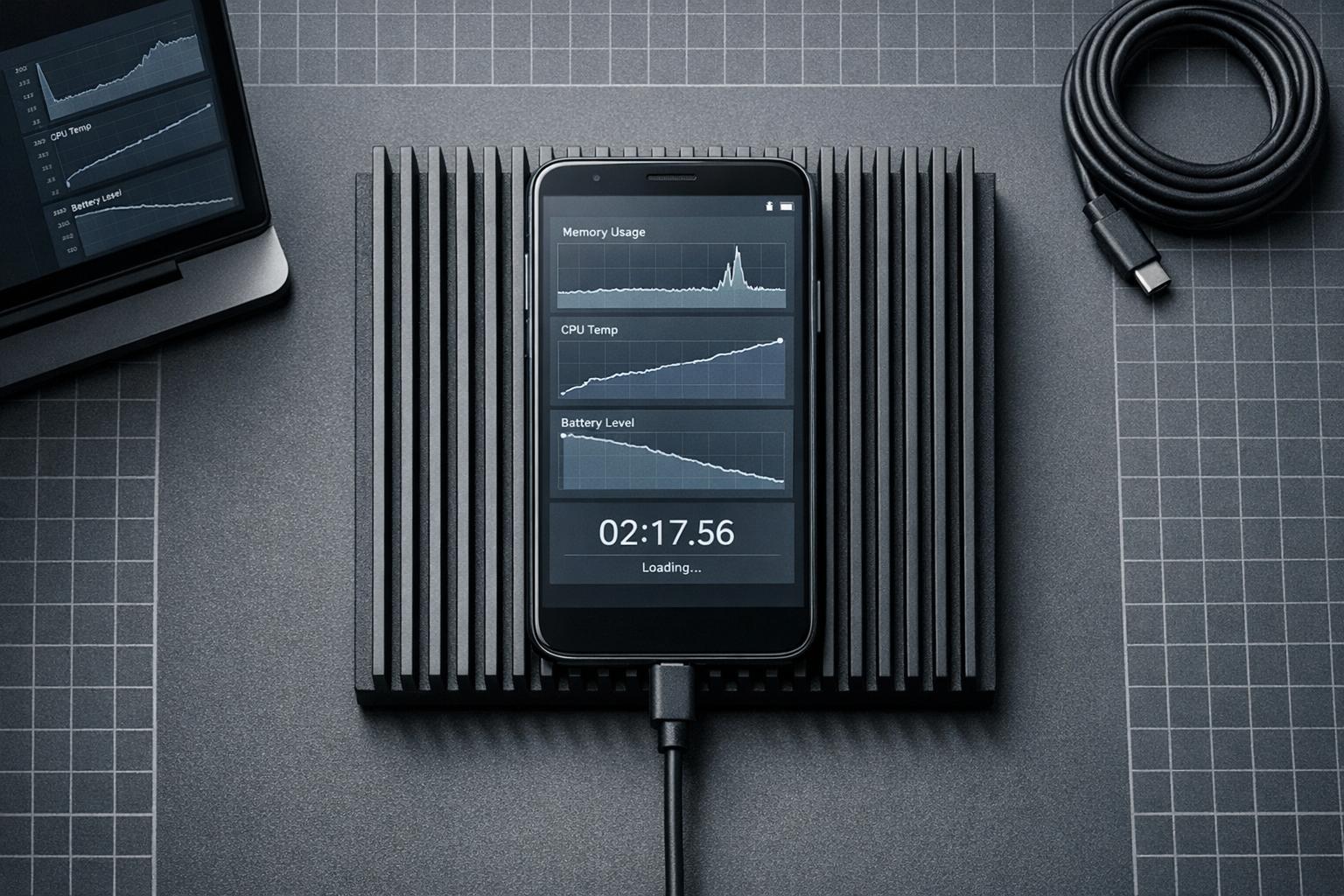
Deploying small language models (SLMs) on mobile devices sounds promising - zero latency, offline use, and privacy benefits. But the reality? It’s complicated. Benchmarks often focus on speed and accuracy but overlook real-world issues like memory spikes, thermal throttling, and slow loading times. These factors can make or break your app’s performance.
Key takeaways:
- Memory usage is higher than advertised. For example, a "1.8 GB model" might actually need 2.6 GB or more during runtime.
- Thermal throttling slows performance. Sustained use can reduce token throughput by up to 70%.
- Loading times are significant. Some models take 10-30 seconds to initialize, creating frustrating delays.
- Battery drain is a concern. Larger models can cut device battery life to hours, not days.
Choosing the right model depends on your needs:
- Use smaller models like Qwen2.5-1.5B for lighter tasks and better efficiency.
- Larger models like Mistral 7B offer more capability but demand premium hardware and come with trade-offs like heat and power consumption.
If privacy and speed are critical, on-device AI makes sense. But for complex tasks or limited resources, cloud-based APIs might be a better fit.
Accelerating AI on Edge - Chintan Parikh and Weiyi Wang, Google DeepMind
What Published Benchmarks Don’t Tell You
Vendor benchmarks often spotlight metrics like tokens per second and accuracy scores but fail to address the practical challenges that arise in real-world applications. Take, for instance, a 1.8 GB quantized model - it might seem feasible on paper, but during the initial prompt processing, memory usage can spike to around 2.6 GB. If your app doesn’t have enough memory to handle this surge, it could crash [4].
"The first wall I hit after embedding Gemma 4 into a mobile app was not the model size - it was peak memory. ‘If it’s a 1.8 GB quantized model, surely it fits.’ Then you run inference on a real device and the OS kills you within seconds." - Antigravity Lab [4]
This highlights a key issue: memory usage in real-world scenarios is more complex than benchmarks suggest. Runtime memory isn’t just about model weights. It also includes a growing KV cache, activation tensors, and an OS reserve that can add an extra 300-500 MB [4]. On some devices, there’s another hidden hurdle - an INT4 model might silently convert to FP16 if INT4 isn’t supported, negating the expected memory savings [6].
Thermal throttling adds another layer of complexity. Benchmarks often report peak speeds measured in the first 30 seconds of operation, but sustained performance can tell a very different story. For example, on a Snapdragon 8 Gen 3 SoC, token throughput can drop from 12.4 to just 3.8 tokens per second after 30 minutes of continuous use - a sharp 69% decline [8]. Fanless devices, like the M3 MacBook Air, can hit core temperatures as high as 114°F (114°C) before throttling kicks in [2]. This means users experience the sustained, slower speeds rather than the impressive initial performance. Benchmarks fail to capture these long-term performance losses, which are critical in real-world deployments. Beyond speed, performance also takes a hit during model loading and user interactions with the app.
Initialization latency is another major factor that benchmarks often overlook. Loading a 1.8 GB Gemma 4 model on an iPhone 13, for instance, can take anywhere from 8 to 12 seconds [7]. On Adreno hardware, certain weight layouts can cause system UI freezes lasting 20-50 seconds during the first inference. Add to this the potential for OS memory flushing, which can tack on an additional 15+ seconds before the model is ready to use [1][4]. While benchmarks focus on throughput, the "time-to-ready" metric is often what determines whether users stick around or abandon a feature.
A real-world example drives this point home: in April 2026, Palabrita‘s team shifted from generating full puzzles to offering short hints. Why? Their 7B-class models caused 5-7 second delays and early KV cache saturation, forcing them to rethink their approach [1][7]. This example underscores how overlooked performance trade-offs can shape the design of on-device AI features.
1. Phi-3-mini (3.8B)
Memory Footprint
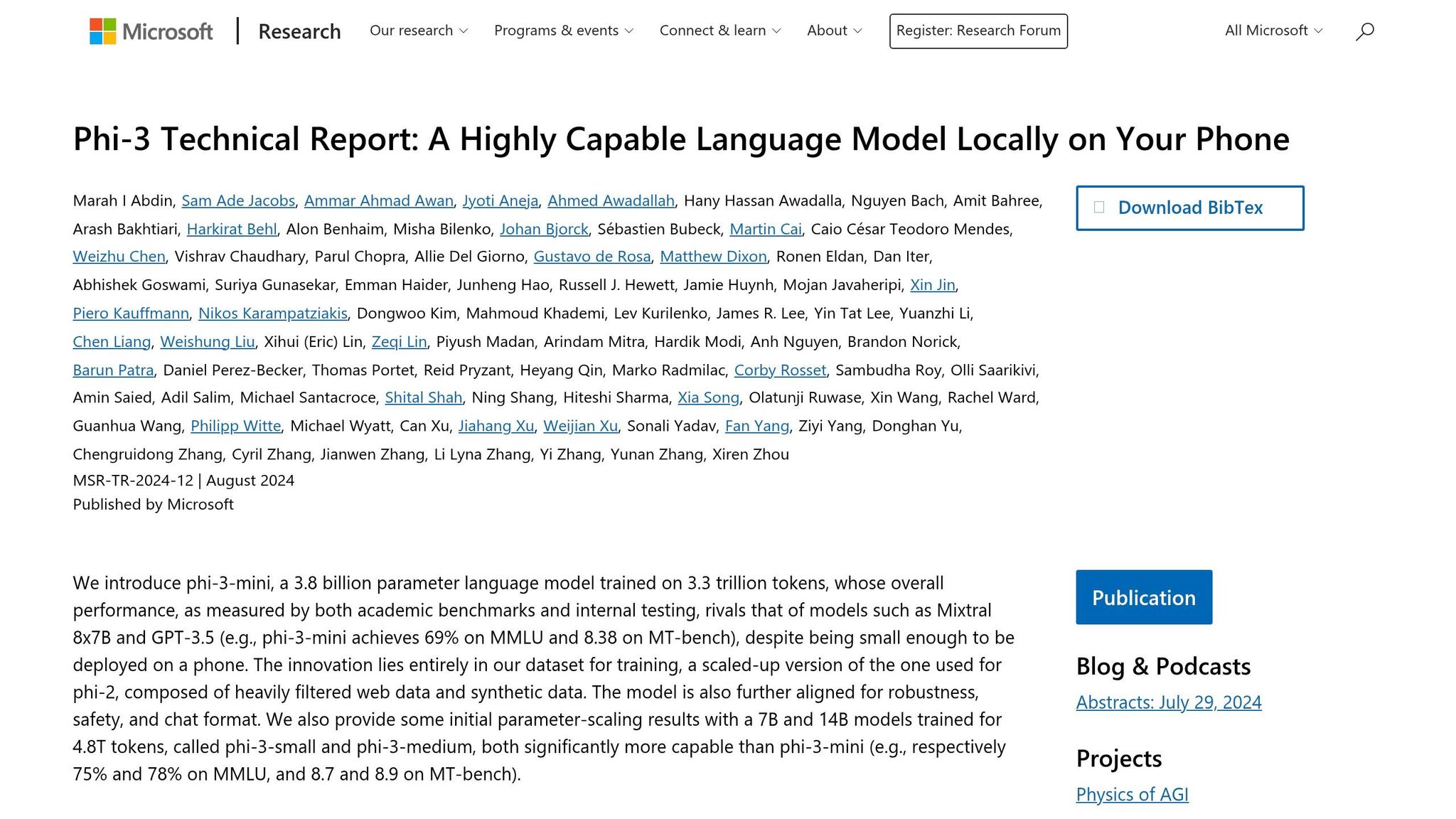
Published benchmarks suggest that a 4-bit quantized Phi-3-mini requires about 1.8 GB of memory [10]. However, real-world deployments using the GGUF format in 2026 report actual RAM usage between 2.2 GB and 2.4 GB [3], which is roughly 22-33% higher than the published figure. Despite the 1.8 GB claim, devices typically need 4-8 GB of RAM to handle additional overhead from KV caches and activation tensors. For example, an iPhone 14 with 6 GB of RAM might use up to 4.3 GB [3][13]. This extra memory demand not only pushes device limits but also contributes to heat buildup during extended inference sessions.
Thermal Throttling
On an iPhone 14 equipped with the A16 Bionic chip, the Phi-3-mini initially processes over 12 tokens per second [10]. However, sustained use generates heat, and the memory-bound decode phase leaves compute units idle while waiting for weights. Mobile memory bandwidth, which ranges from 50-90 GB/s, is significantly lower than that of data center GPUs, further amplifying the bottleneck [14].
"A model that drains your battery or triggers thermal throttling isn’t practical, regardless of how fast it runs." - Vikas Chandra, AI Research at Meta [14]
To address these issues, developers are shifting to NPUs instead of CPUs. On high-end Android devices like those using the Snapdragon 8 Gen 3, running the NPU backend via MediaPipe achieves 20-25 tokens per second while consuming just 3-5 W, compared to 15-20 W on the CPU - a power reduction of about 80% [3]. By 2026, the iPhone 16 Pro, with its A18 Pro chip, reportedly reaches 30-40 tokens per second when optimized for its Neural Engine [3]. Beyond thermal throttling, these limitations also impact model loading times and overall energy efficiency.
Loading Times and Battery Usage
Phi-3-mini is more energy-intensive than other small models. For instance, a Raspberry Pi 5 running CPU-only inference consumes approximately 65.64 Wh for complex tasks, delivering around 15.23 tokens per Wh [16]. On the other hand, using GPU acceleration on a Jetson Orin Nano reduces energy use to 6.56 Wh per inference while boosting throughput to about 152.44 tokens per Wh [16].
Although NF4 quantization lowers energy consumption per inference (329 J compared to 369 J for FP16 on an NVIDIA T4), it introduces dequantization overhead, increasing latency from 9.2 seconds to 13.4 seconds. This delay can disrupt real-time interactions [17].
Feature Constraints
These hardware and efficiency challenges directly influence the model’s capabilities. With 3.8 billion parameters, Phi-3-mini struggles with tasks like TriviaQA unless supplemented with tools like RAG or search, limiting its standalone performance [10]. The model supports a default 4K context window, but the LongRope variant extends this to 128K tokens. While this expansion enables more complex tasks, it also significantly increases memory usage and loading times [10][15]. Additionally, CPU utilization for models in the 2B-3B range varies between 61% and 99%, which limits both output length and the complexity of prompts [13]. These constraints make it challenging for the model to handle long-form text generation or intricate multi-turn conversations, especially when system resources are stretched thin.
2. Mistral 7B
Memory Footprint
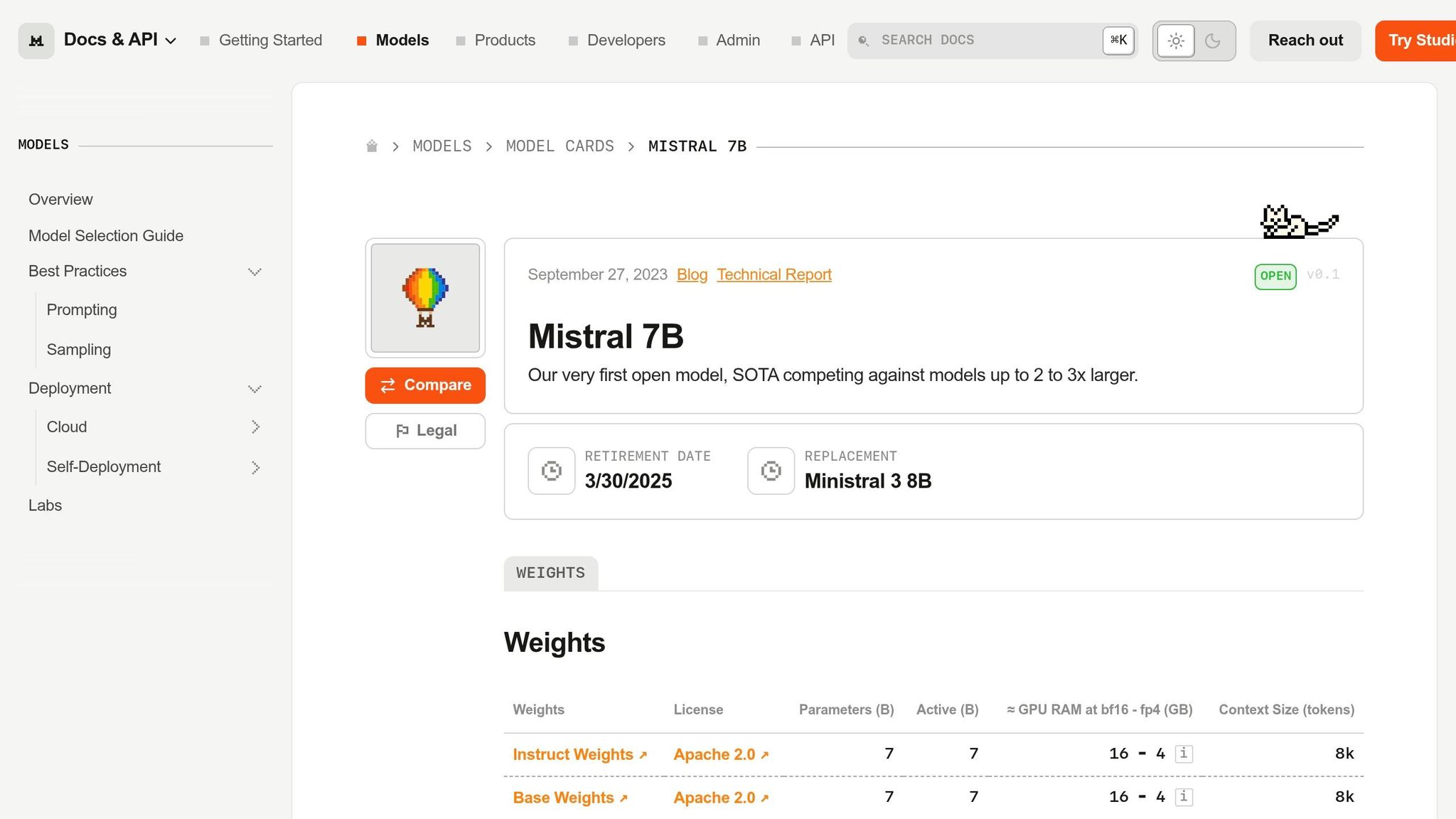
Mistral 7B pushes the boundaries of what premium mobile hardware can handle. While benchmarks often claim compatibility with devices featuring 8 GB of RAM, real-world testing tells a different story. For instance, on an iPhone 15 Pro with 8 GB of RAM, both F16 and Q8 precision versions of Mistral-7B-v0.1 fail to run, triggering mmap errors due to memory overload before inference even begins [18].
In reality, 4-bit quantization (Q4) is the only feasible option for running Mistral 7B on standard premium devices. Even so, performance remains a challenge. With Q4, the model typically consumes between 3.8 GB and 4.2 GB of RAM [5], leaving little room for the operating system and other processes. On devices with 16 GB of RAM, similar 7B models use around 8.8 GB, which is about 55% of the total memory [19]. Additionally, the prefill stage of Mistral 7B introduces extra overhead, spiking memory use by several hundred megabytes beyond its steady-state requirements [4].
Thermal Throttling
Thermal issues are a key concern when running 7B models. These models can quickly drive device temperatures to 88-90°C within just 15 seconds of inference [19]. This rapid heating triggers Dynamic Voltage and Frequency Scaling (DVFS), which reduces performance by 10% to 20% during both the prefill and decoding phases of longer tasks [5].
"With longer prompts and generation tasks, the increased load causes the CPU frequency to throttle more aggressively." - Jie Xiao, Sun Yat-sen University [5]
Even high-end processors like the Snapdragon 8 Gen3 and Dimensity 9300 experience similar performance hits under sustained workloads [5]. To mitigate these effects, developers often limit thread usage to 4-5 performance cores to avoid resource contention [18]. However, these thermal challenges also lead to longer loading times and higher power consumption, adding to the model’s operational complexity.
Loading Times and Battery Usage
Running inference with 7B models is power-intensive, drawing between 10 W and 11 W [19]. At a rate of one query per minute, this power demand reduces battery life to about 8 hours, compared to nearly 48 hours for smaller models [19]. Generating a 50-token response can take over 101 seconds, including the time spent evaluating the prompt [19].
"High power consumption not only shortens battery life but also generates heat, which can further degrade the device’s performance." - Paweł Kapica, CEO, Impeccable.AI [12]
Storage requirements add another layer of difficulty. These models typically need 3.5 GB to 4 GB of storage, with download times ranging from 10 to 30 minutes [1][20]. As a result, developers are increasingly favoring smaller models (0.6B to 2B parameters) for on-device use [1].
Feature Constraints
Mistral 7B’s demanding hardware requirements limit its usability. Models exceeding 1.5B parameters usually require GPU acceleration to achieve acceptable performance levels [18]. While AI accelerators like the Hexagon NPU can improve prefill speeds by up to 50 times compared to CPUs, they don’t significantly enhance decoding performance [5].
Field tests reveal that while 7B models can technically run on devices, they often result in high latency (around 8 seconds per response) and substantial battery drain, making them impractical for frequent interactive use [21][22]. Applications need to be designed with flexible latency expectations, as response times naturally increase when devices heat up during prolonged sessions [12]. These limitations highlight the importance of balancing performance, memory needs, and thermal considerations when selecting models for on-device AI.
3. Qwen2.5-1.5B
Memory Footprint
The Qwen2.5-1.5B model strikes a good balance for on-device deployment, but its memory usage can vary significantly depending on the inference backend. For instance, the Qwen3-1.7B model requires 4.3 GB of idle RAM when running on the mistral.rs backend. In contrast, the newer Qwen3.5-2B model, using a native Swift MLX stack, manages to consume much less memory. This variation highlights that real-world performance doesn’t always align with the published specifications.
The Q4_0 quantization format stands out for its low latency and reduced energy use [9]. By comparison, FP16 precision consumes two to three times more energy for the same tasks [9]. While FP16 may offer slight quality improvements, it’s less practical for mobile deployment due to its higher resource demands.
Thermal Throttling
Even models in the 1.5B class can generate a surprising amount of heat during prolonged inference. Tests on devices like the Raspberry Pi 5 showed that overheating could occur, necessitating external heatsinks to prevent thermal throttling [11]. On iOS devices, extended usage may push the system into "serious" or "critical" thermal states. This can force apps to downgrade to simpler model configurations to avoid crashes or severe performance issues [4]. Beyond heat management, factors like loading efficiency and runtime optimization also play a big role in maintaining a smooth user experience.
Loading Times and Battery Usage
Loading the model typically takes between 10 and 30 seconds as the MLX system transfers weights into unified memory [24]. Once loaded, Qwen2.5-1.5B paired with Q4_0 quantization achieves a per-token latency of about 9.12 ms and supports a throughput of around 110 tokens per second [9]. This means generating 1,024 tokens takes approximately 9.3 seconds [9].
"Q4_0 consistently recorded the lowest net energy across 0.5B and 1.5B models, while still delivering the shortest runtimes." - Zekai Chen [9]
However, sustained AI tasks can significantly drain the battery, so it’s advisable to keep devices plugged in for extended usage [24]. Activating Low Power Mode further reduces chip performance, resulting in noticeably slower token generation [24]. Additionally, the KV cache grows as interactions continue - a 4,096-token context can add several hundred megabytes to the runtime memory footprint [4].
Here’s a comparison of how different quantization formats affect latency and energy consumption:
| Metric (Qwen2.5-1.5B) | FP16 Precision | Q4_0 Quantization |
|---|---|---|
| Per-Token Latency | ~18 ms [9] | 9.12 ms [9] |
| Total Runtime (1,024 tokens) | 18.4 seconds [9] | 9.3 seconds [9] |
| Throughput | ~55 tokens/sec [9] | 110 tokens/sec [9] |
| Energy Consumption | 2x-3x higher [9] | Baseline (Lowest) [9] |
Trade-off Summary by Model
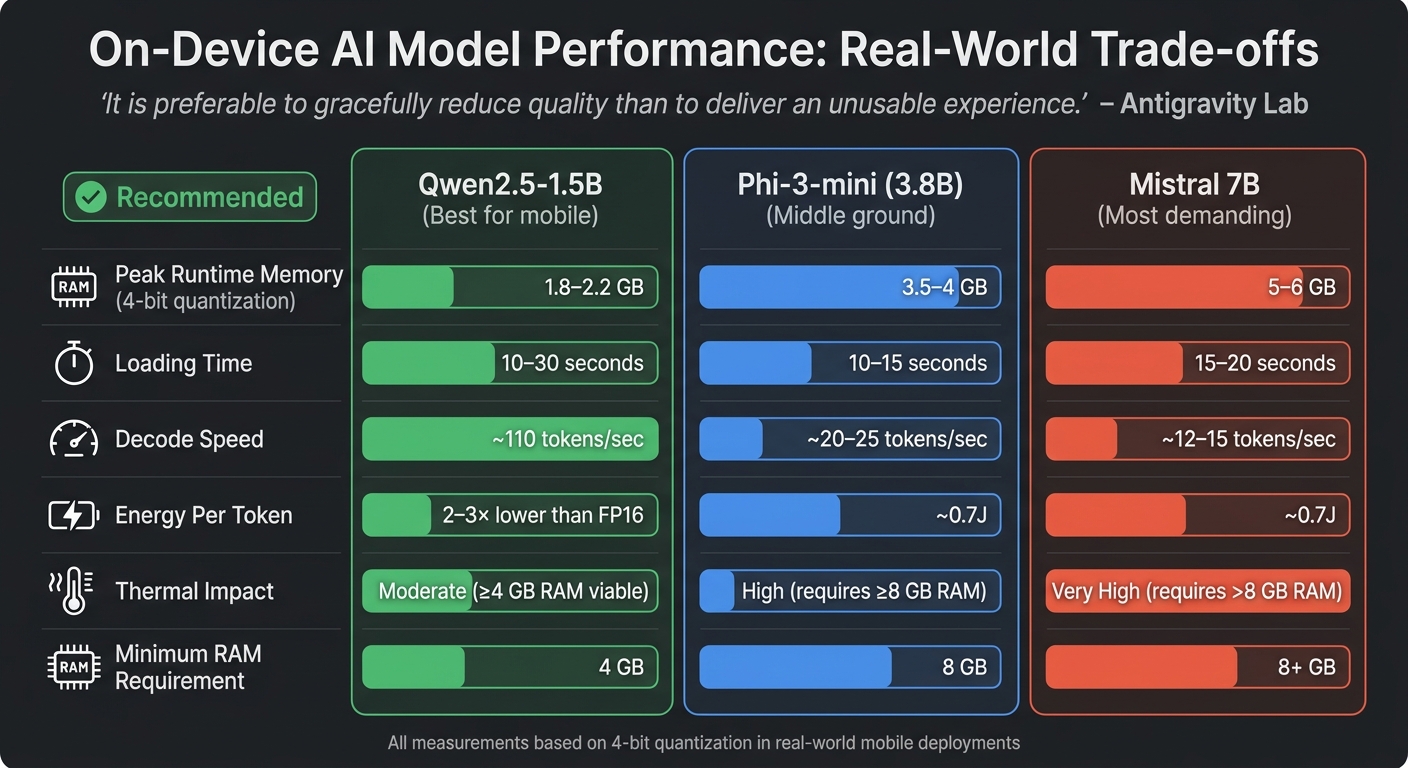
On-Device AI Model Performance Comparison: Memory, Speed, and Energy Trade-offs
Choosing the right SLM involves weighing memory usage, thermal limits, and output reliability. The table below presents real-world performance data for three models, offering a practical look beyond just published specifications.
| Model | Peak Runtime Memory | Loading Time | Decode Speed | Energy Per Token | Thermal Impact |
|---|---|---|---|---|---|
| Phi-3-mini (3.8B) | ~3.5-4 GB (4-bit)[4] | ~10-15 seconds | ~20-25 tok/s | ~0.7J[25][1] | High (requires ≥8 GB RAM) |
| Mistral 7B | ~5-6 GB (4-bit)[4] | ~15-20 seconds | ~12-15 tok/s | ~0.7J[25][1] | Very High (requires >8 GB) |
| Qwen2.5-1.5B | ~1.8-2.2 GB (4-bit)[4] | ~10-30 seconds | ~110 tok/s | 2-3× lower than FP16[9] | Moderate (≥4 GB viable) |
This table highlights key performance metrics, which are further explained below for each model.
The Qwen2.5-1.5B model stands out for mobile applications, delivering approximately 110 tokens per second with its Q4_0 quantization. It consumes much less energy compared to FP16 precision[9], making it energy-efficient. However, prolonged use can still lead to thermal throttling, emphasizing the importance of effective thermal management.
The Phi-3-mini model offers a middle ground between performance and resource requirements. Its runtime memory peaks at 3.5-4 GB, but it operates best on devices with at least 8 GB of RAM. For devices with lower RAM (around 4 GB), using 3-bit quantization and reducing context windows to about 1,024 tokens can prevent OS terminations. Devices with 6 GB of RAM can typically handle the 4-bit configuration, albeit with shorter context lengths[4].
The Mistral 7B model is resource-intensive, requiring over 5 GB of memory and consuming 0.7J per token. For example, an iPhone battery with approximately 50 kJ of energy can support around two hours of continuous use[25]. Its slower decode speed (12-15 tokens per second) may cause noticeable delays, making it more suitable for high-end devices with advanced thermal management capabilities.
"It is preferable to gracefully reduce quality than to deliver an unusable experience." - Antigravity Lab[4]
Understanding these performance differences is essential for optimizing on-device AI. It’s worth noting that published file sizes often underestimate actual runtime memory needs. For instance, a 1.8 GB model may demand significantly more RAM during operation[4]. This gap between advertised and real-world requirements reinforces the need for thermal-aware tiering when deploying models on devices. These considerations are critical for deciding between on-device and API-based inference solutions.
When to Choose On-Device vs API-Based Inference
Deciding between on-device and API-based inference hinges on three main factors: privacy needs, latency requirements, and task complexity. If your application has strict data residency rules, on-device deployment isn’t just a preference - it’s a necessity[6][31][23]. Similarly, features like keyboard autocomplete or real-time translation, which require lightning-fast responses (under 300ms), benefit from local execution since it avoids delays caused by network round-trips[27][28]. These considerations help frame the trade-offs in cost and deployment complexity.
From a cost perspective, cloud APIs charge per token, while on-device AI involves an upfront engineering investment ranging from $40,000 to $80,000, but eliminates per-query fees[30]. The financial tipping point usually occurs at 50 million tokens per month[23]. For apps with around 100,000 daily active users, this initial investment often pays off within 3 to 6 months[30]. However, for smaller-scale applications, sticking with API-based inference remains more cost-effective. On-device setups are ideal when ultra-fast inference (under 50ms), high-volume repetitive tasks, or strict data privacy are non-negotiable[23].
The complexity of the task also plays a critical role in choosing your architecture. On-device small language models (SLMs) shine in focused, straightforward tasks like intent classification, detecting sensitive data (PII), or generating short suggestions. They struggle, however, with more demanding tasks, such as complex reasoning or handling long-context inputs[26][28][29]. For example, in April 2026, independent researcher William Oliveira integrated SLMs into the Android game Palabrita. Initially, the model was tasked with generating full puzzles, but after 204 commits over five days, the design shifted to generating just three short hints. This change was driven by a 2.5x average retry rate and 2-minute generation times for more complex outputs[1].
On-device deployment also brings operational challenges. Engineers must consider resource and thermal management, as well as ongoing maintenance. Keeping these systems running smoothly requires 0.5 to 1 full-time engineer, who handles model updates, quantization experiments, and compatibility across various Android devices[23][6]. Updates to on-device models also need app store approvals, and it can take weeks to months for 90% of users to adopt the latest version[6]. If your team doesn’t have the bandwidth for this or your application demands cutting-edge reasoning capabilities, API-based inference is often the more practical solution.
FAQs
How do I estimate peak RAM, not just model size?
To get a clear picture of peak RAM usage during inference, you need to account for all the key memory components: model weights, KV cache (approximately 350 MB for 4,096 tokens), activations (about 220 MB), and OS/runtime reserves. Running profiling tests on the actual target devices is essential for accurately gauging total memory consumption, particularly when dealing with large context lengths or intricate prompts. It’s worth noting that peak RAM usage often surpasses the size of the model itself due to these added runtime demands.
What can I do to reduce thermal throttling on phones?
To minimize thermal throttling during on-device AI inference, it’s crucial to keep an eye on the device’s thermal state and adjust settings accordingly. Implementing a dynamic pipeline can help by tweaking parameters like batch size and thread count based on the device’s thermal zones. Distributing workloads efficiently and steering clear of prolonged high-intensity tasks is equally important. This is especially relevant for Android and iOS devices, where extended inference sessions can lead to overheating.
How do I hide 10-30 second model load times in the UX?
To make apps feel faster, preload the model in the background during startup or early stages of use. Adding visual cues like spinners or placeholders can keep users engaged while they wait. For a snappier experience, consider delivering a lightweight initial output before the full model inference finishes. Additionally, techniques like quantization can help streamline model loading and cut down delays.
Related Blog Posts
- When AI Belongs in the Frontend vs the Backend
- Voice Agent Latency: Where the 2-3 Second Delay Actually Lives in the Pipeline and How to Reduce It
- Self-Hosted SLMs for Regulated Industries: Architecture, Cost, and Compliance Trade-offs We’ve Navigated
- How to Identify Which AI Features in Your Product Can Be Served by an SLM Without Degrading UX